Meet ClipCat
Keep the moment, even when you did not press Record first.
ClipCat is a desktop replay and recording tool powered by OBS capture components. Its replay buffer keeps recent footage ready to save, while manual recording captures from the moment you start until you stop. Saved videos stay in a folder on your computer.
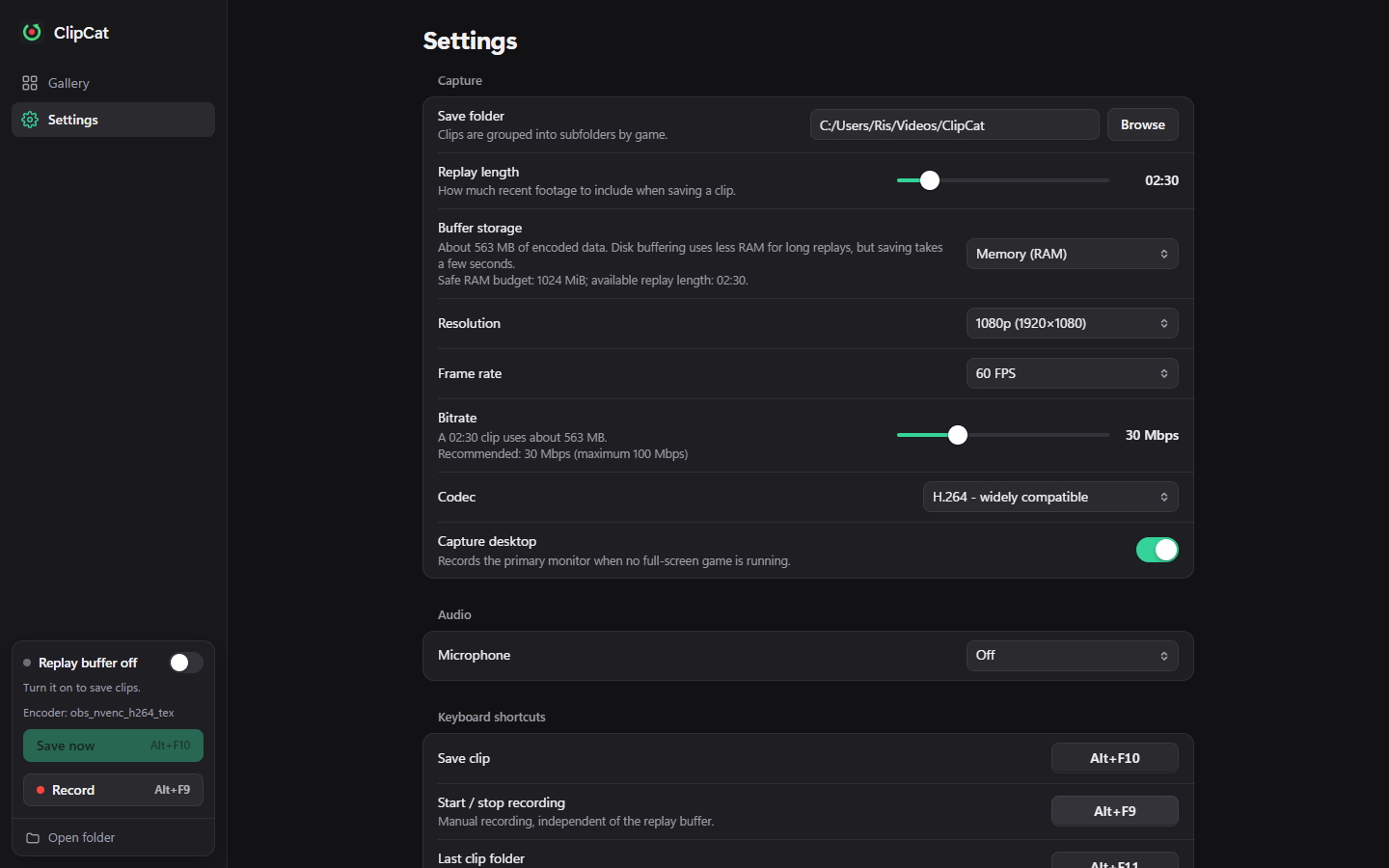
Actual interface in the browser preview, with sample settings and no live capture.
Two ways to capture
| Replay | Manual recording |
|---|---|
| Keeps a rolling window of recent footage | Starts when you press Record |
| Alt+F10 saves what just happened | Alt+F9 starts or stops |
| Needs the replay buffer enabled | Works independently of replay |
| Unsaved older footage is replaced | Continues until you stop or capture fails |
A small interface
Gallery displays saved clips and game filters. Settings controls capture, audio, shortcuts, and updates. The sidebar shows replay state and provides Save now, Record, and Open folder. The tray menu keeps these actions available while the main window is closed.
On a clean installation, replay is off and the microphone is off. Follow Your first clip to enable capture deliberately.
Windows supports game capture and desktop fallback. Linux captures the screen through X11 or the Wayland portal; game capture hooks are unavailable there. See platform requirements.